On this page
Jump to a section 10 sections
On this page
Jump to a sectionNucleus: A Private, Agent-Readable Personal Data Archive
Personal data should outlive the app that first captured it.
But that is still not how most software works.
As agents get better at reasoning over files, structured data, and local tools, the weakness becomes more obvious: the workflows are getting smarter, while the personal data layer is still trapped inside apps, cloud dashboards, or exports shaped for UI convenience instead of long-term use.
Nucleus is an attempt to fix that.
Nucleus is a local-first personal data archive for people and agents. It starts with Apple Health, but the larger idea is broader: personal data should be durable, structured, private by default, and usable outside the app that first captured it.
This repository currently includes the iOS app, export tooling, CLI, MCP server, and reusable skills that make that possible.
Why this exists
Modern agent workflows are improving quickly. Claude Code, Codex, and similar tools can reason over files, structured data, and local workflows far better than they could even a year ago. But most personal data still lives in the wrong shape.
That creates a bad default:
- the user does not really own the workflow around their data
- the files are not durable
- the structure is hard to inspect
- agents can only use the data through brittle glue
Nucleus is meant to produce a better default: a quiet archive that stays private by default, remains legible to a person, and is structured enough for tools.
What the first release proves
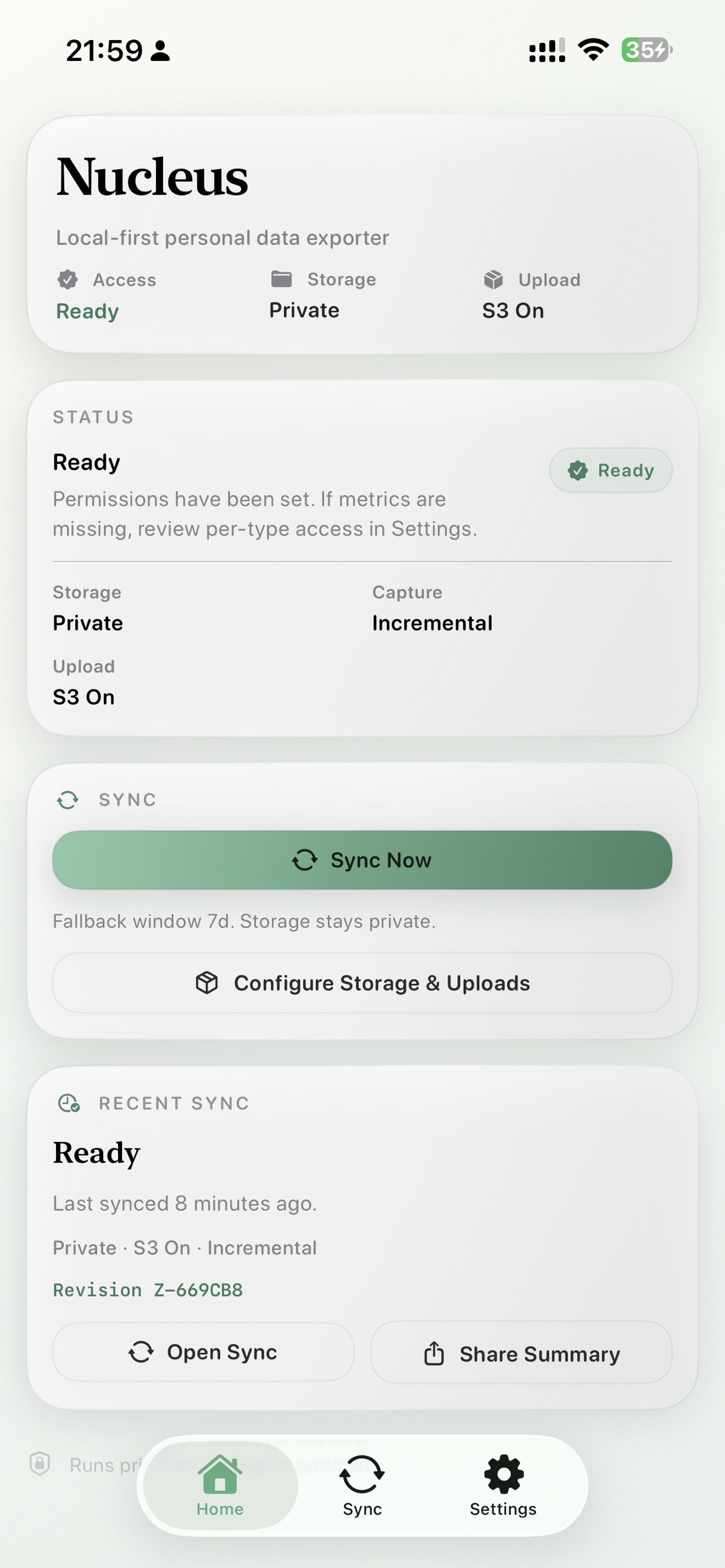
The first release is intentionally narrow. It starts with Apple Health and focuses on doing one thing well: turning private Health data into a stable archive that can leave the app without losing its meaning.
With the user’s permission, Nucleus reads HealthKit data and builds exports locally first. It does not require an account. It is not trying to become another hosted sync product.
Today, that includes:
- daily Health exports with a predictable structure
- raw sample history
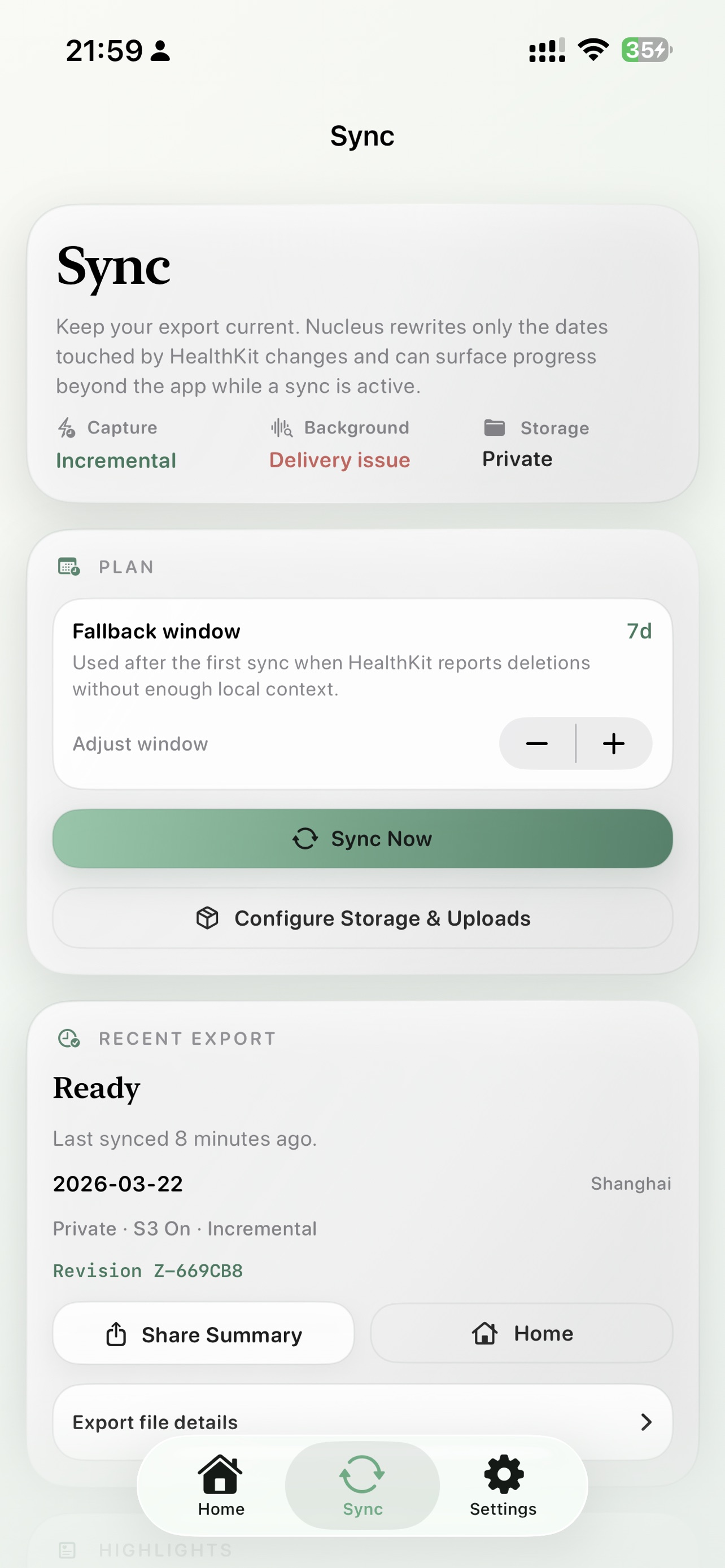
- incremental background refresh
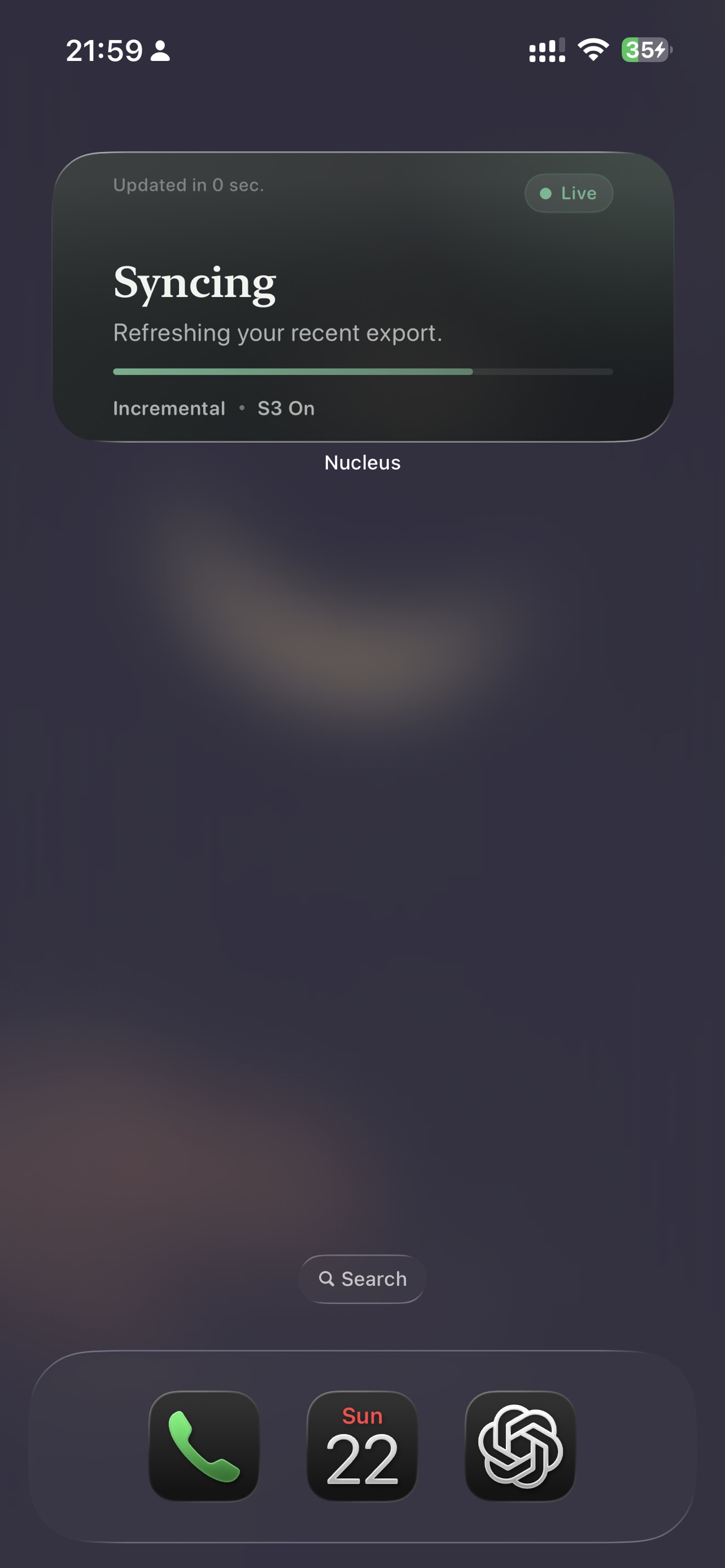
- Home screen widgets and Live Activity status surfaces
- optional upload to a user-owned S3-compatible bucket
- CLI and MCP reads over the same exported data
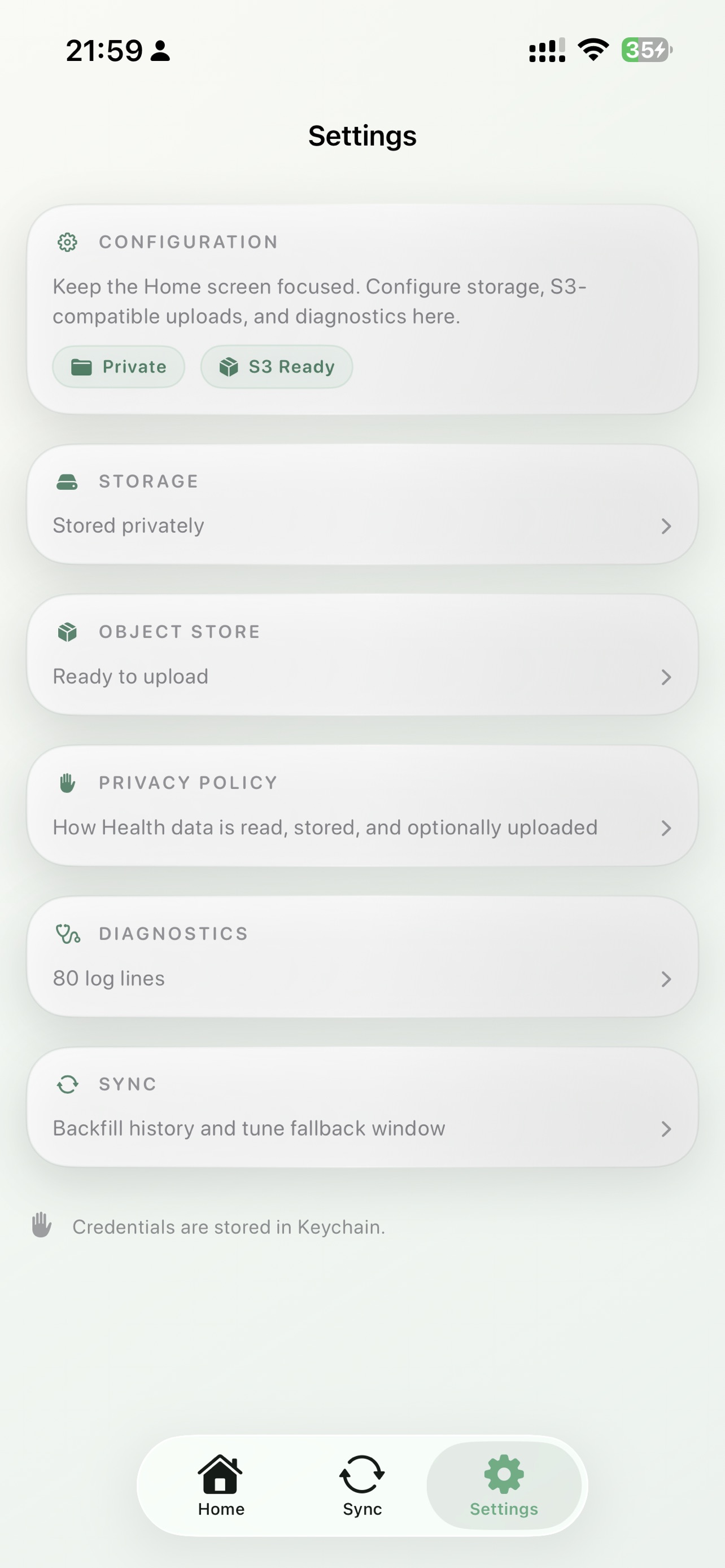
Built for people and agents
Nucleus is not just a utility for exporting files. It is designed to produce an archive that both people and agents can work with.
A person should be able to inspect the files directly. A script should be able to read predictable JSON or JSONL. An MCP client should be able to query summaries, daily metrics, or change history. An agent should be able to reason over the archive as part of a broader task.
The goal is not to optimize for one model vendor. Claude Code and Codex are obvious examples today, but the archive should remain useful even if the surrounding tooling changes.
A simple terminal + MCP workflow can look like this:
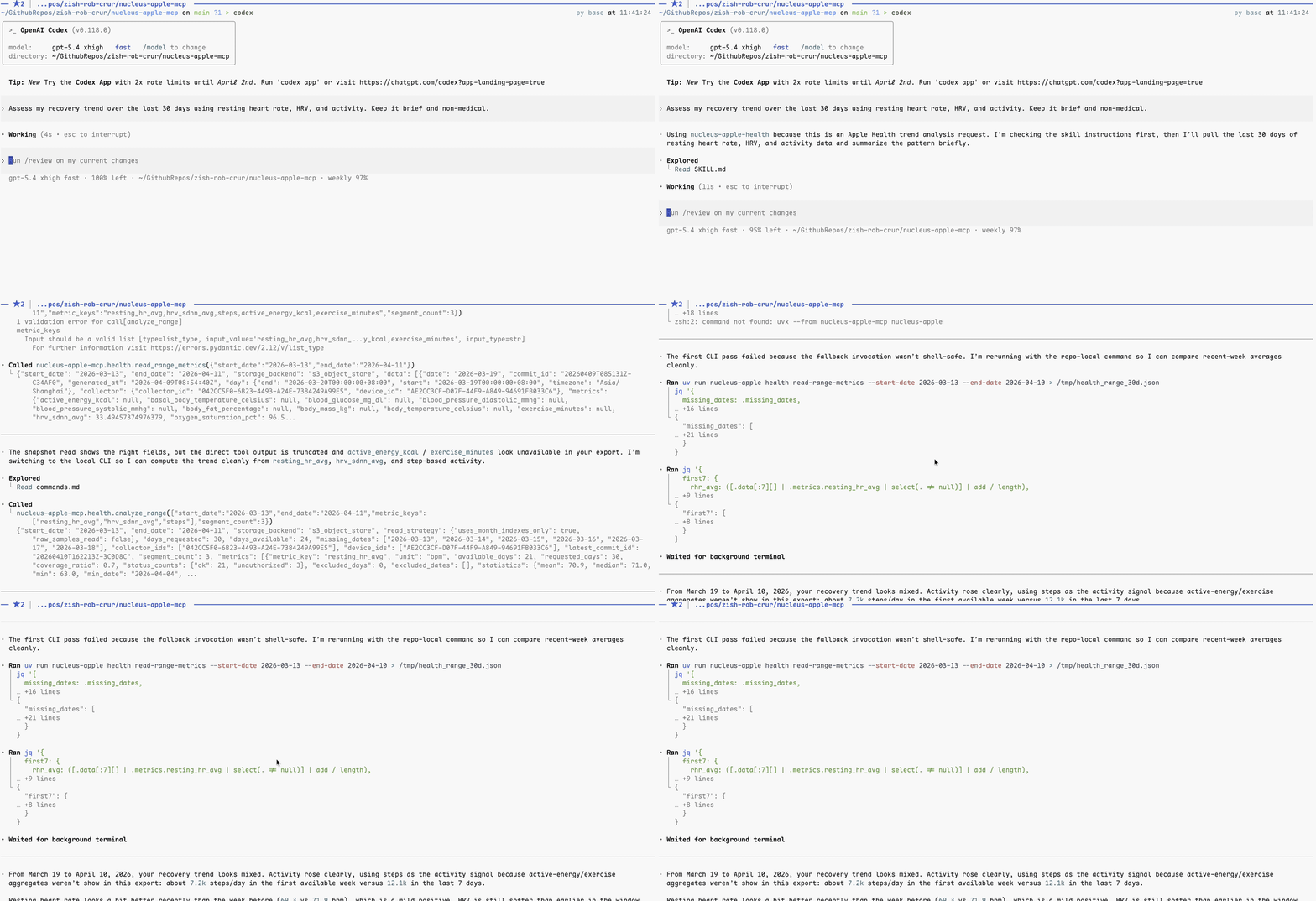
What Nucleus looks like today
Nucleus is currently exposed through several different surfaces:
- the iOS app that collects and exports Apple Health data
- the
nucleus-appleCLI - the MCP server,
nucleus-apple-mcp - reusable skills under
skills/
The important part is not just that these surfaces exist. It is that they all point toward the same archive. The CLI and MCP server share the same tool surface, which makes the data useful in both shell workflows and agent workflows.
For the current Health export layout, see docs/specs/health.md. For reusable agent integrations, see skills/.
How Nucleus works today
The current setup follows a simple order:
- the iOS app exports Apple Health into private app storage
- the app can optionally upload that export to an S3-compatible object store
- the CLI and MCP server read from that object-store copy
In other words, Nucleus always starts by creating the archive locally first. Off-device access is an explicit choice, not the default.
The current App Store setup does not use iCloud for Health exports. The agent-readable path today is private local export plus optional object-store upload.
Get started
This is the fastest path from a fresh install to a working Nucleus archive.
1. Choose your path
There are two sensible setups today.
Option A: private local archive only
Choose this when the goal is a private export kept on the device by the iOS app.
You will get:
- local Health export files
- background refresh inside the app
- widgets and Live Activity status
You will not get:
- Health reads from the CLI
- Health reads from the MCP server
Option B: private local archive plus agent-readable object storage
Choose this when you want Codex, Claude Code, or another MCP client to read the same exported Health data.
You will get:
- everything in Option A
- a stable S3-compatible copy of the archive
- CLI and MCP access to the same exported data
A practical starting point is Cloudflare R2, but any S3-compatible store that works with SigV4 should fit the same layout.
2. Create your first private archive on iPhone
App Store: Nucleus Context Hub
- Install and open
Nucleus Context Hubon your iPhone. - Grant the Health permissions you want Nucleus to export.
- Confirm that storage is set to the default private mode.
- Run the first sync once so the initial export is created.
After this step, Nucleus has created its first private Health export inside app storage. Nothing has been uploaded off-device yet.
For on-device-only use, you can stop here.
3. Create an object-store destination
To get CLI and MCP access, create an S3-compatible bucket.
For Cloudflare R2:
- Create a bucket for Nucleus exports.
- Pick a stable prefix such as
nucleus/. - Create S3 API credentials scoped to that bucket.
- Note these values:
- account endpoint
- bucket name
- access key ID
- secret access key
R2’s S3 endpoint shape is:
https://<ACCOUNT_ID>.r2.cloudflarestorage.com
Recommended defaults:
region = "auto"use_path_style = true
This is not a strict requirement. Any S3-compatible store that works with SigV4 should fit the same layout.
4. Connect the iPhone app to the bucket
In the Nucleus app:
- Open
Settings. - Open
Object Store. - Enter the bucket settings.
- Save the credentials.
- Run another sync.
After a successful sync, the bucket should contain the exported Health layout under your chosen prefix, including:
health/daily/...health/raw/...health/commits/...
At this point, the archive exists in both places: a private on-device copy and an external copy you own and can point tools at.
5. Point the CLI and MCP server at the same archive
Create:
~/.config/nucleus-apple-mcp/config.toml
Example:
[health]
storage_backend = "s3_object_store"

[health.s3]
endpoint = "https://<accountid>.r2.cloudflarestorage.com"
region = "auto"
bucket = "your-bucket"
prefix = "nucleus"
access_key_id = "..."
secret_access_key = "..."
use_path_style = true
Environment variables are also supported:
NUCLEUS_HEALTH_S3_ENDPOINTNUCLEUS_HEALTH_S3_REGIONNUCLEUS_HEALTH_S3_BUCKETNUCLEUS_HEALTH_S3_PREFIXNUCLEUS_HEALTH_S3_ACCESS_KEY_IDNUCLEUS_HEALTH_S3_SECRET_ACCESS_KEYNUCLEUS_HEALTH_S3_SESSION_TOKENNUCLEUS_HEALTH_S3_USE_PATH_STYLE
For most people, the config file is easier to maintain than environment variables.
6. Verify the archive from the terminal
Install the package:
uv tool install nucleus-apple-mcpThen run a few checks:
nucleus-apple health list-sample-catalog --pretty
nucleus-apple health read-daily-metrics --date 2026-03-14 --pretty
nucleus-apple health analyze-range --start-date 2026-03-01 --end-date 2026-03-14 --pretty
If these commands work, the exported archive is readable from the CLI and your storage config is pointing at the same data the iOS app uploaded.
You can also use uvx directly:
uvx --from nucleus-apple-mcp nucleus-apple health read-daily-metrics --date 2026-03-14 --pretty
uvx --from nucleus-apple-mcp nucleus-apple health analyze-range --start-date 2026-03-01 --end-date 2026-03-14 --pretty
uvx --from nucleus-apple-mcp nucleus-apple health list-changes --limit 20 --pretty
7. Add Nucleus to your agent
Codex CLI
codex mcp add nucleus-apple -- uvx nucleus-apple-mcpClaude Code
claude mcp add --scope user nucleus-apple -- uvx nucleus-apple-mcpAfter that, agent workflows can read the same Health export through the MCP tool surface.
8. What to check if data does not appear
If CLI or MCP reads return empty data, check these in order:
- the iOS app has already completed at least one successful sync
- object-store upload is enabled and healthy
- the bucket and prefix in
config.tomlmatch the app settings - the expected
health/paths exist in the bucket - the requested dates are inside the exported range
What to try first
The most convincing Nucleus use cases are not isolated queries. They are small cross-domain workflows that combine schedule, health context, and working notes into something directly useful.
Under the hood, those workflows are built from a few reusable pieces:
nucleus-apple-healthfor daily metrics, trends, and export historynucleus-apple-calendarfor upcoming events and time windowsnucleus-apple-notesfor project notes, prep material, and freeform contextnucleus-apple-remindersfor follow-ups and concrete next actions
That matters because the interesting part is not a single query. It is the composition.
Morning brief
Prompt:
Use my calendar, last night's sleep, and my recent notes to draft a realistic plan for today.
Why it works:
- it combines Calendar, Health, and Notes in one pass
- it produces a useful output instead of a raw summary
- it treats Health as planning context, not diagnosis
Meeting prep from context
Prompt:
Prepare me for my 3 PM meeting using the calendar event, related notes, and my current energy context. Keep it brief and action-oriented.
Why it works:
- it maps cleanly to a real assistant behavior
- it ties scheduled work to the notes that matter
- it can fold in Health context without overclaiming
Weekly review
Prompt:
Summarize my week across calendar activity, sleep and recovery patterns, and project notes. End with a short next-week adjustment plan.
Why it works:
- it shows the value of the archive over time, not just on a single day
- it makes the file model feel durable rather than temporary
- it produces something a user may actually keep
Archive query
Prompt:
Looking at the last three months, when did I sleep best, and what patterns show up in my schedule and notes during those periods?
Why it works:
- it demonstrates long-horizon reasoning over personal data
- it is broader than “health coaching”
- it makes the archive feel like infrastructure, not a one-off export
In all of these cases, the point is the same: Nucleus is not trying to replace judgment with automated medical advice. It is trying to make private personal data legible enough that both people and agents can work with it.
What Nucleus is not
Nucleus is not an AI health coach.
It is not trying to interpret your body for you, generate a wellness personality, or replace medical judgment.
It is also not trying to hide your data behind an account-based sync service. The default posture is private and local-first. For off-device access, you explicitly connect your own S3-compatible storage.
Why open source matters here
This project is easier to trust when the architecture is visible.
The repository exposes the moving parts directly:
- the Python MCP server
- the Swift sidecar and native Apple integrations
- the iOS app
- the Health export model and file layout
- the CLI and skill surface used by agent workflows
If Nucleus says it is building a durable data layer for people and agents, the repository should make that claim inspectable.
Where this can go
Apple Health is only the starting point.
The longer-term direction is a broader personal data archive that can include more domains while keeping the same principles:
- local-first
- private by default
- no account required
- structured exports
- durable files
- useful to both people and agents
That is the larger scope of Nucleus.
The current release is intentionally narrower. Start with one domain, make the export layer solid, keep the UX quiet, and make the output useful enough that it can leave the app without losing its meaning.